Escape The Shadows
A downloadable game for Windows, macOS, and Linux
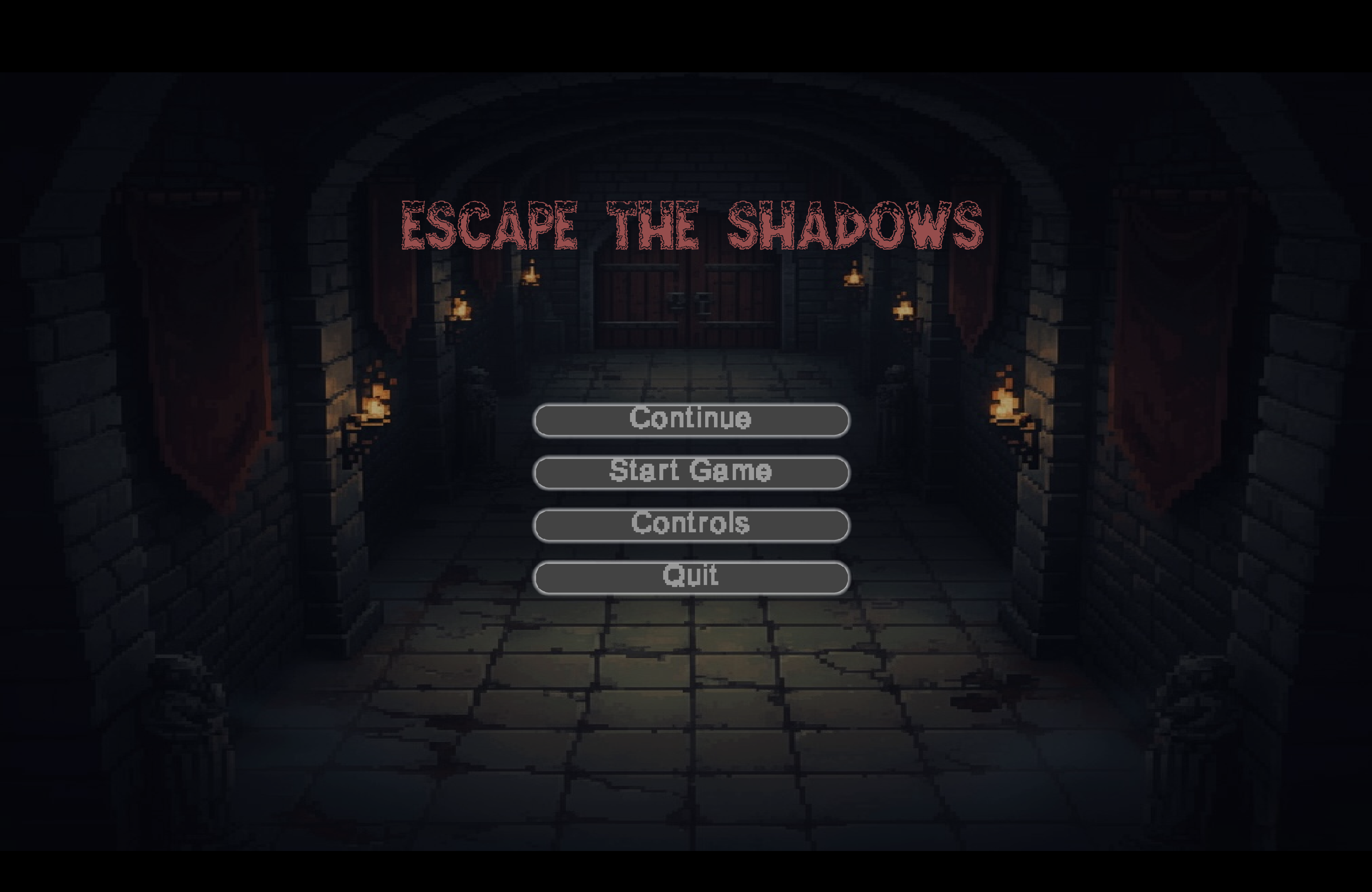
A dark 2D adventure game filled with mystery, puzzles, and supernatural terror.
🎮 Story
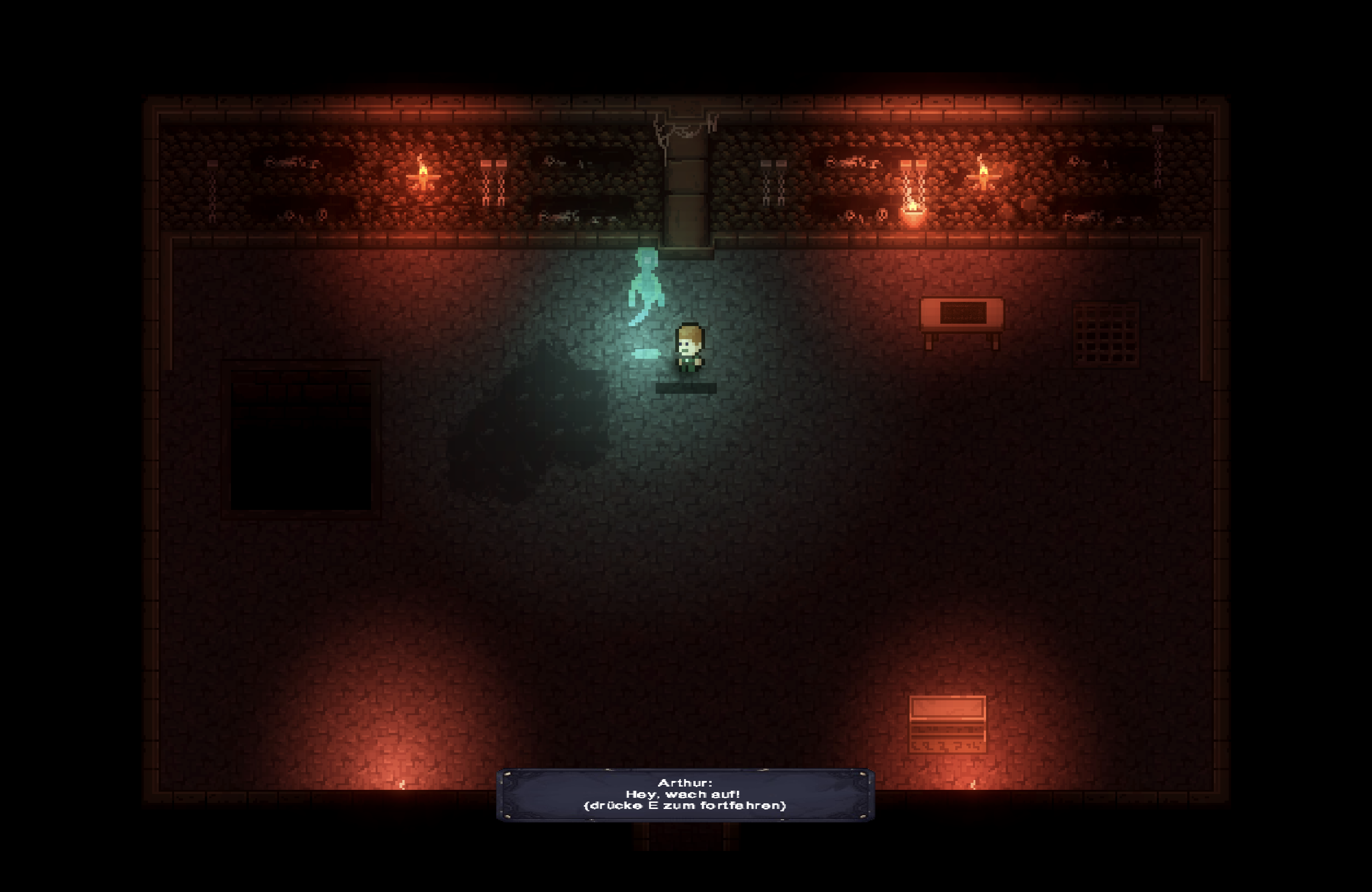
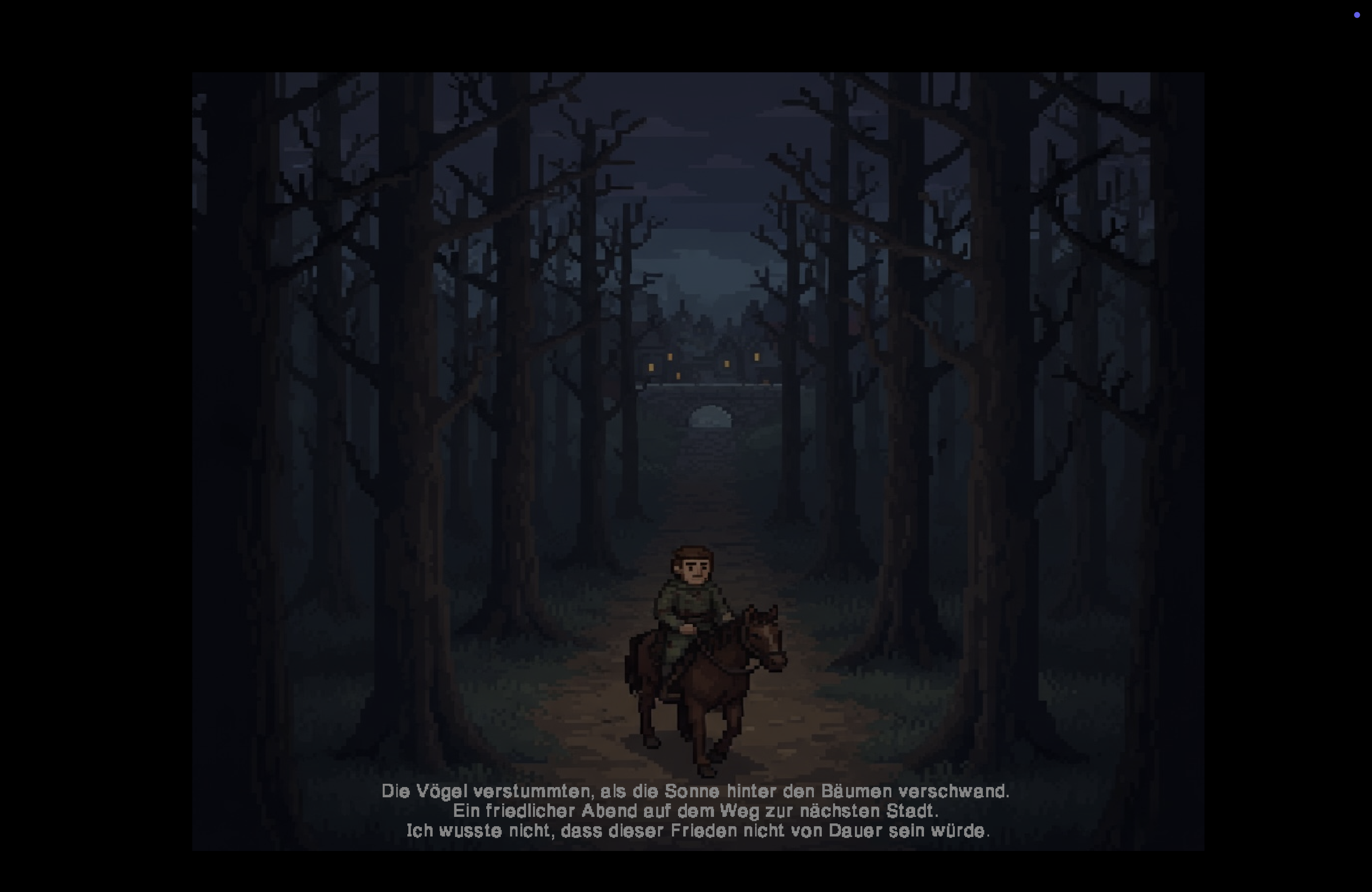
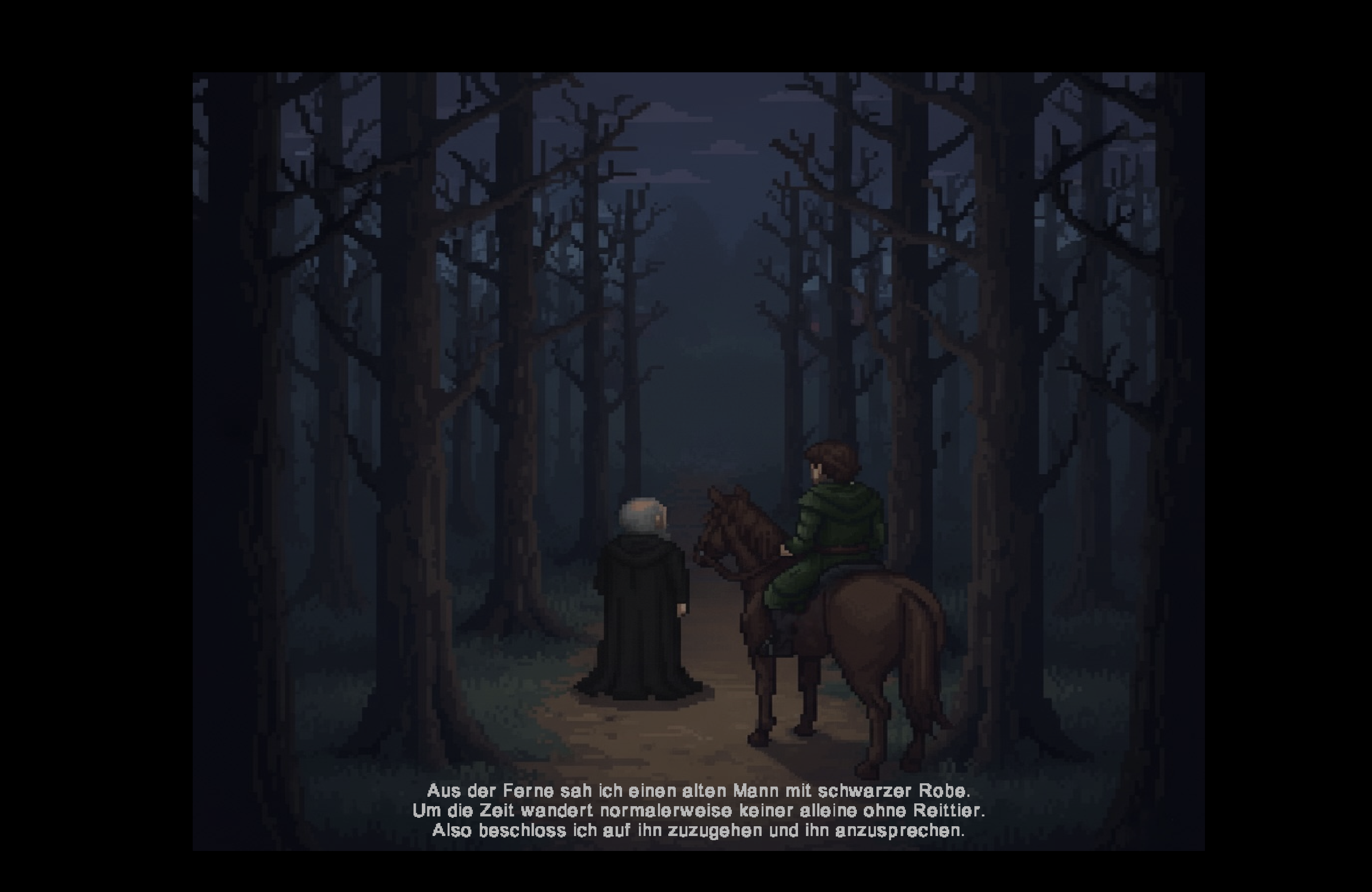
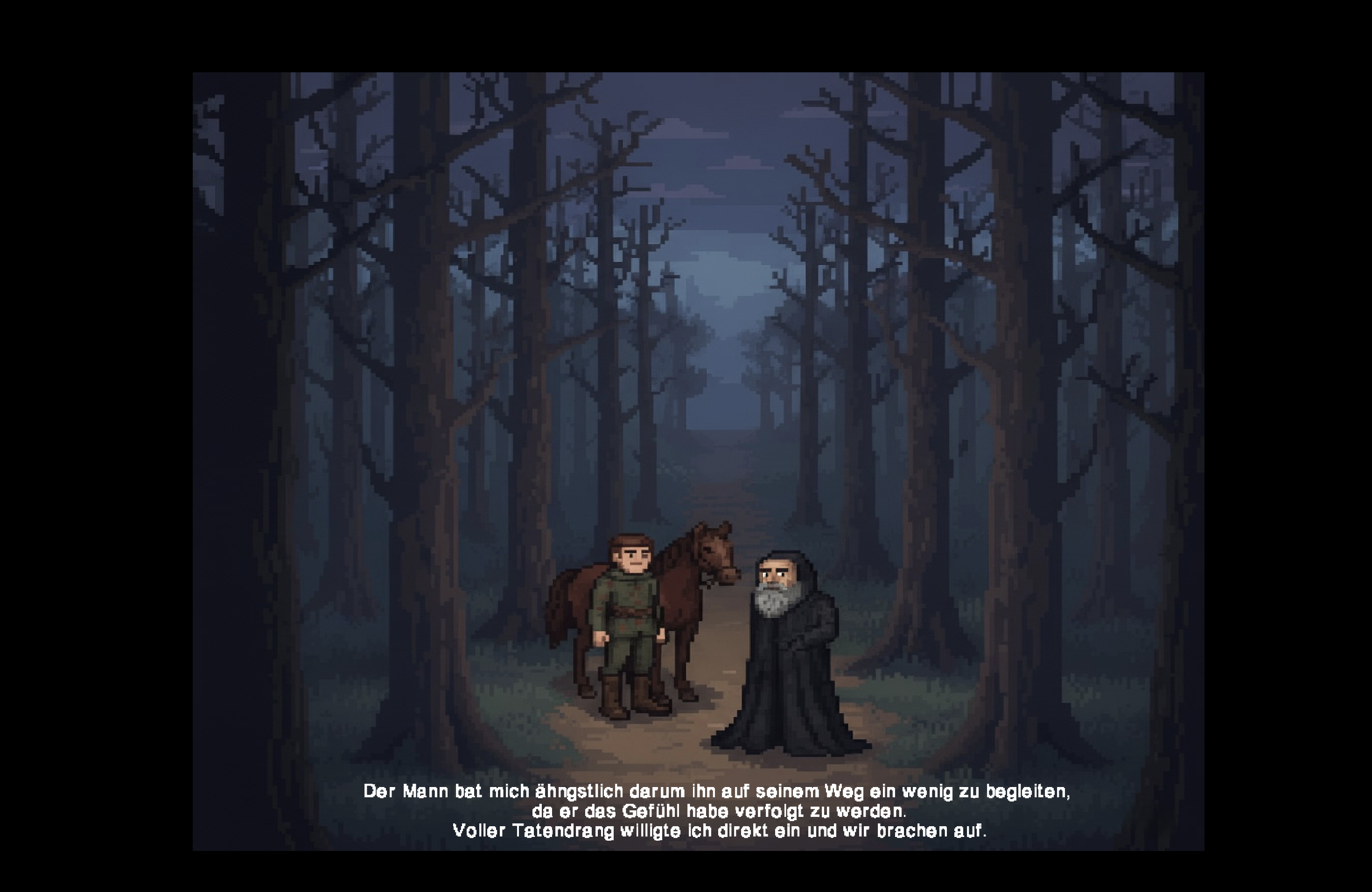
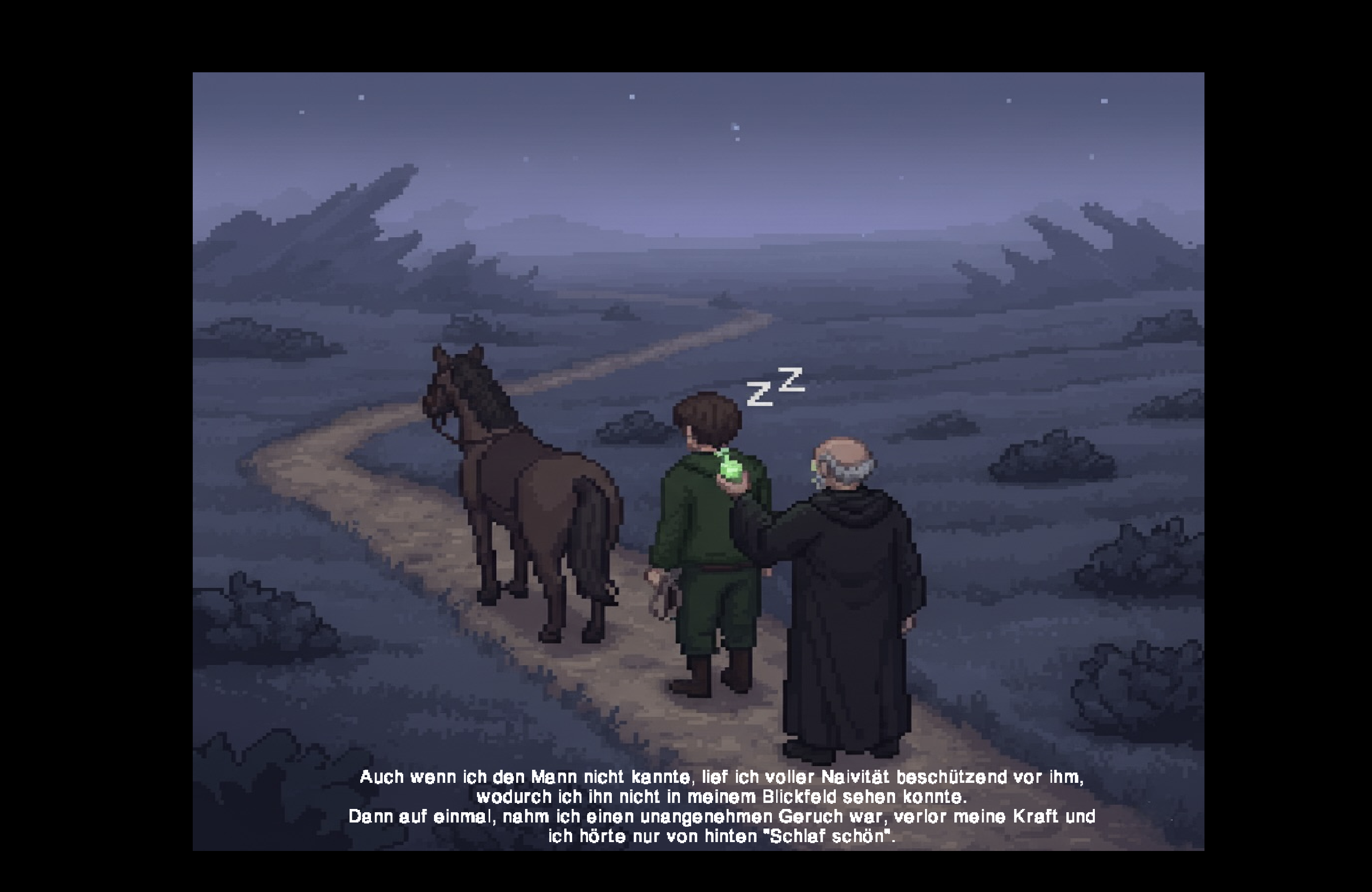
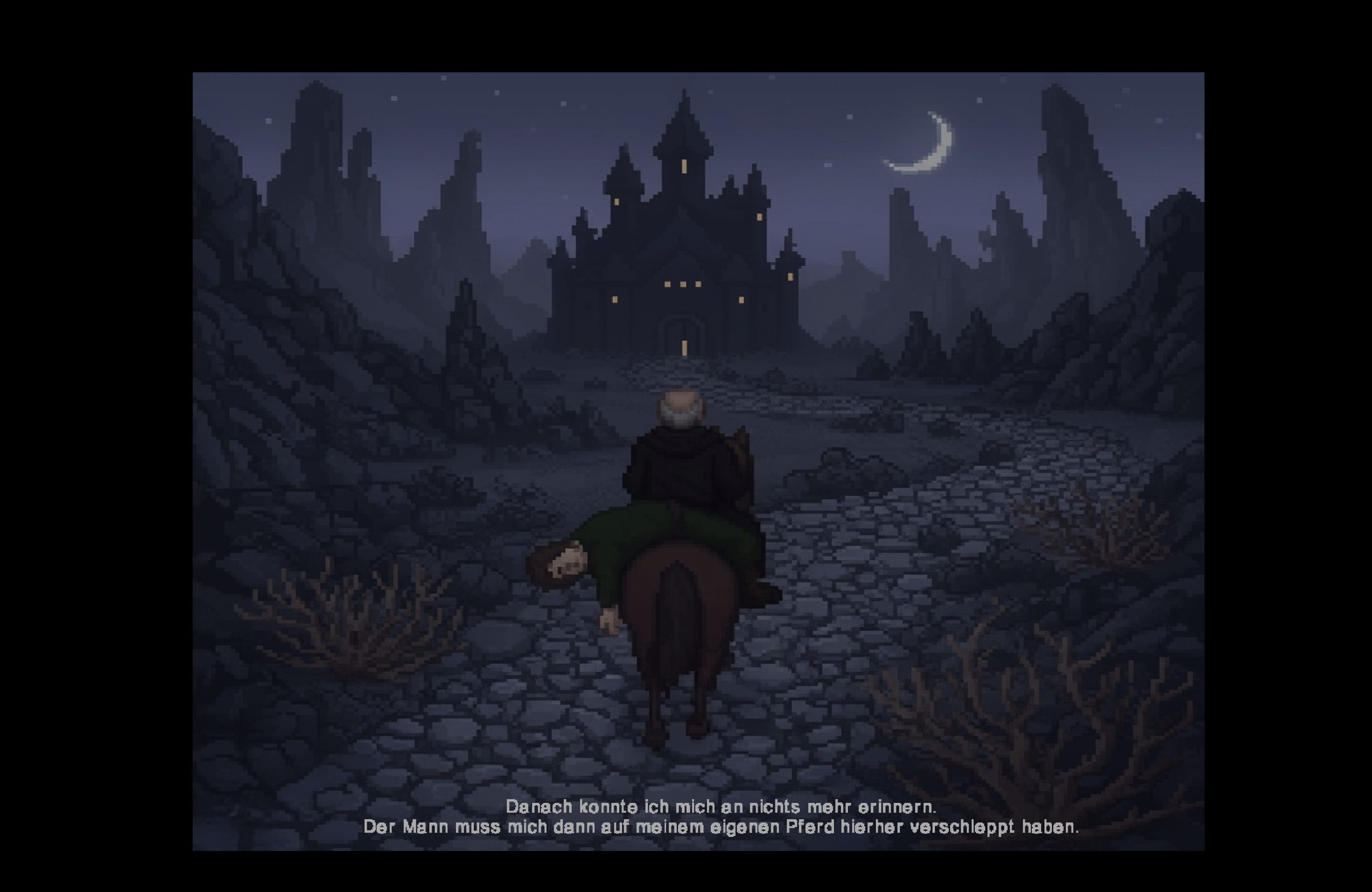
You wake up in an ancient castle, trapped by a mysterious old man who lured you here with dark magic. You're not alone - Arthur, another prisoner, warns you of the demons that roam these halls, waiting to consume souls. Together, you must navigate the castle's dangers and find a way to escape before it's too late.
🔍 What You'll Do
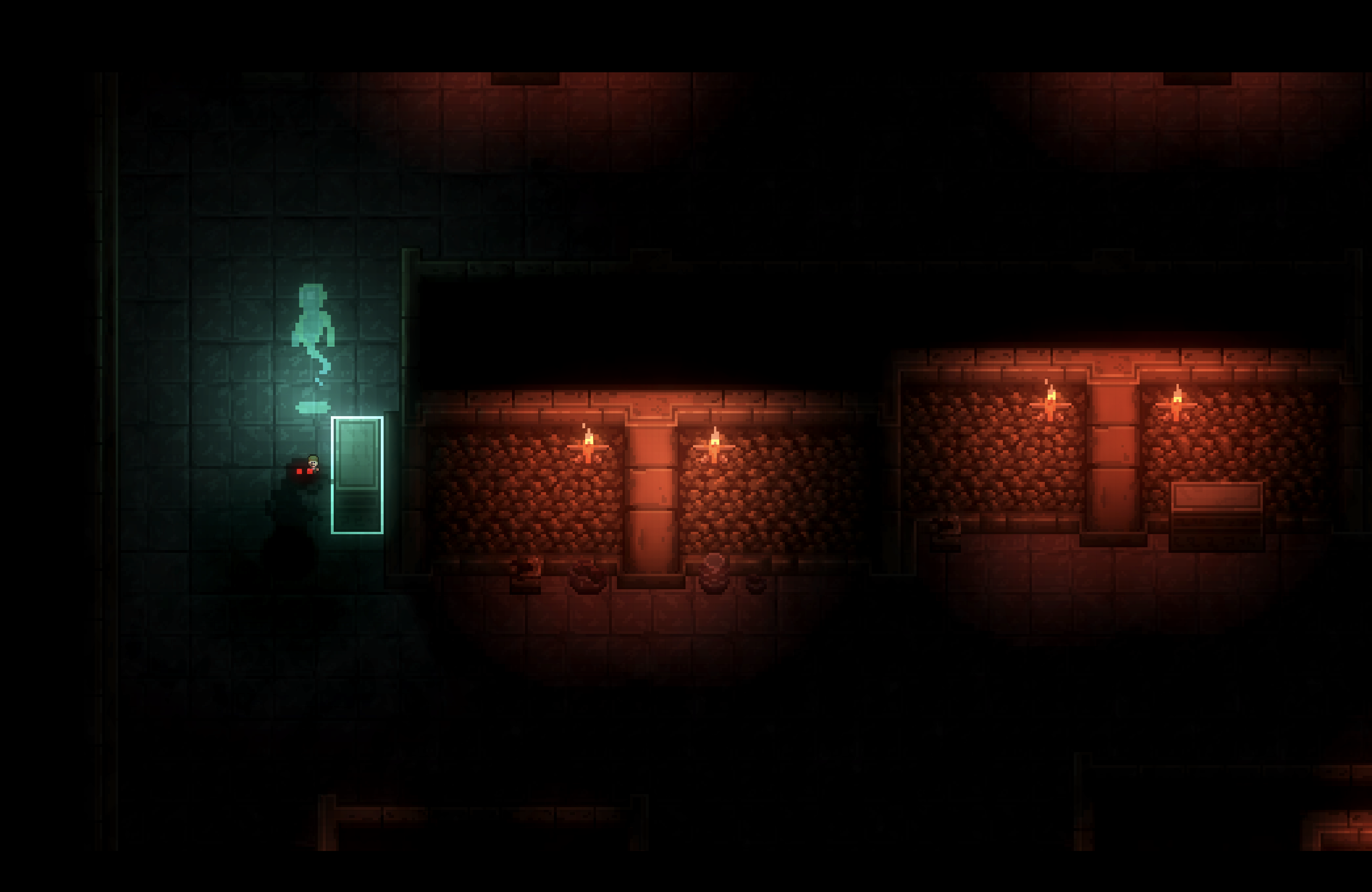
- Explore atmospheric castle environments including dungeons, catacombs, and throne rooms
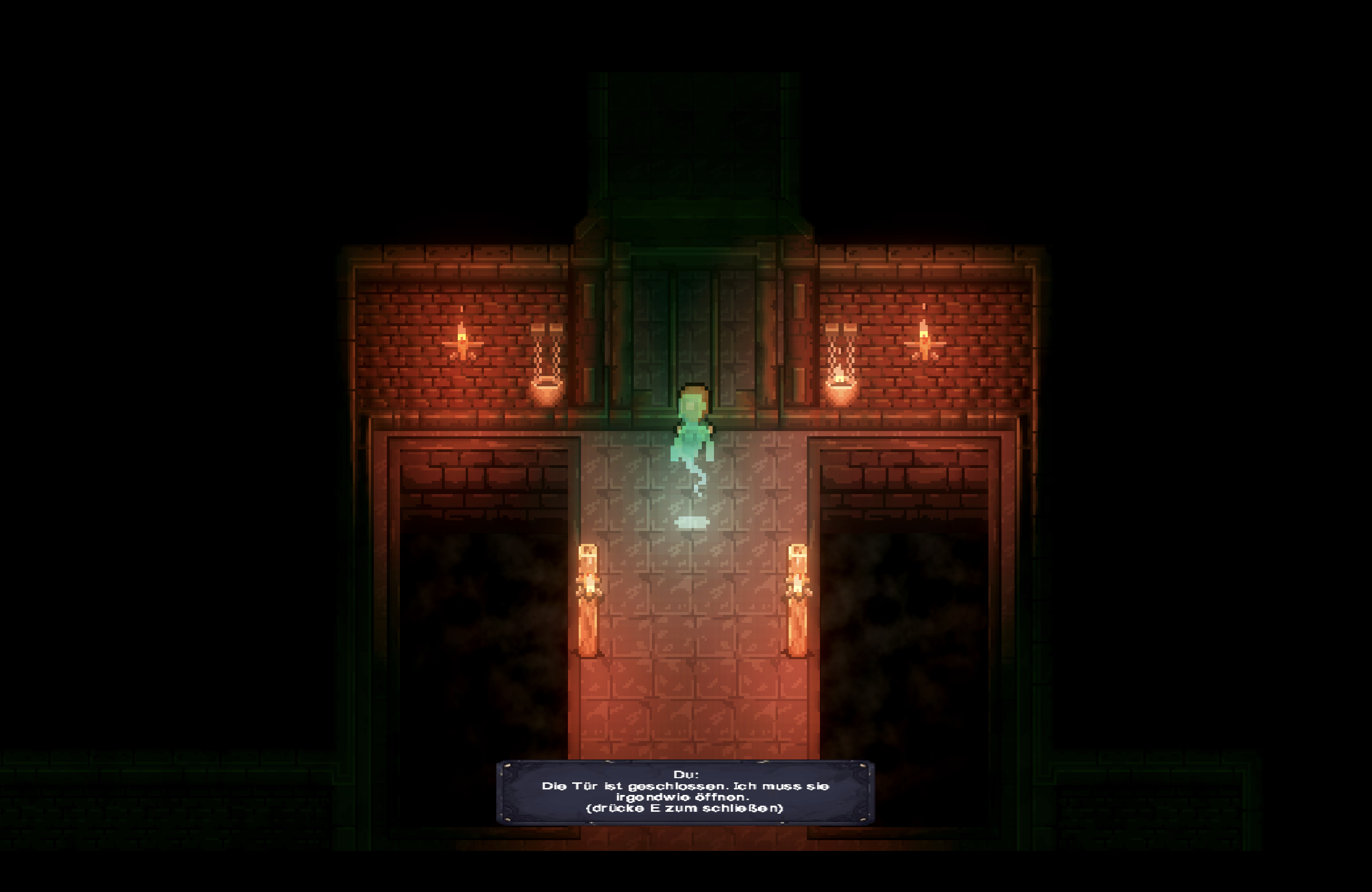
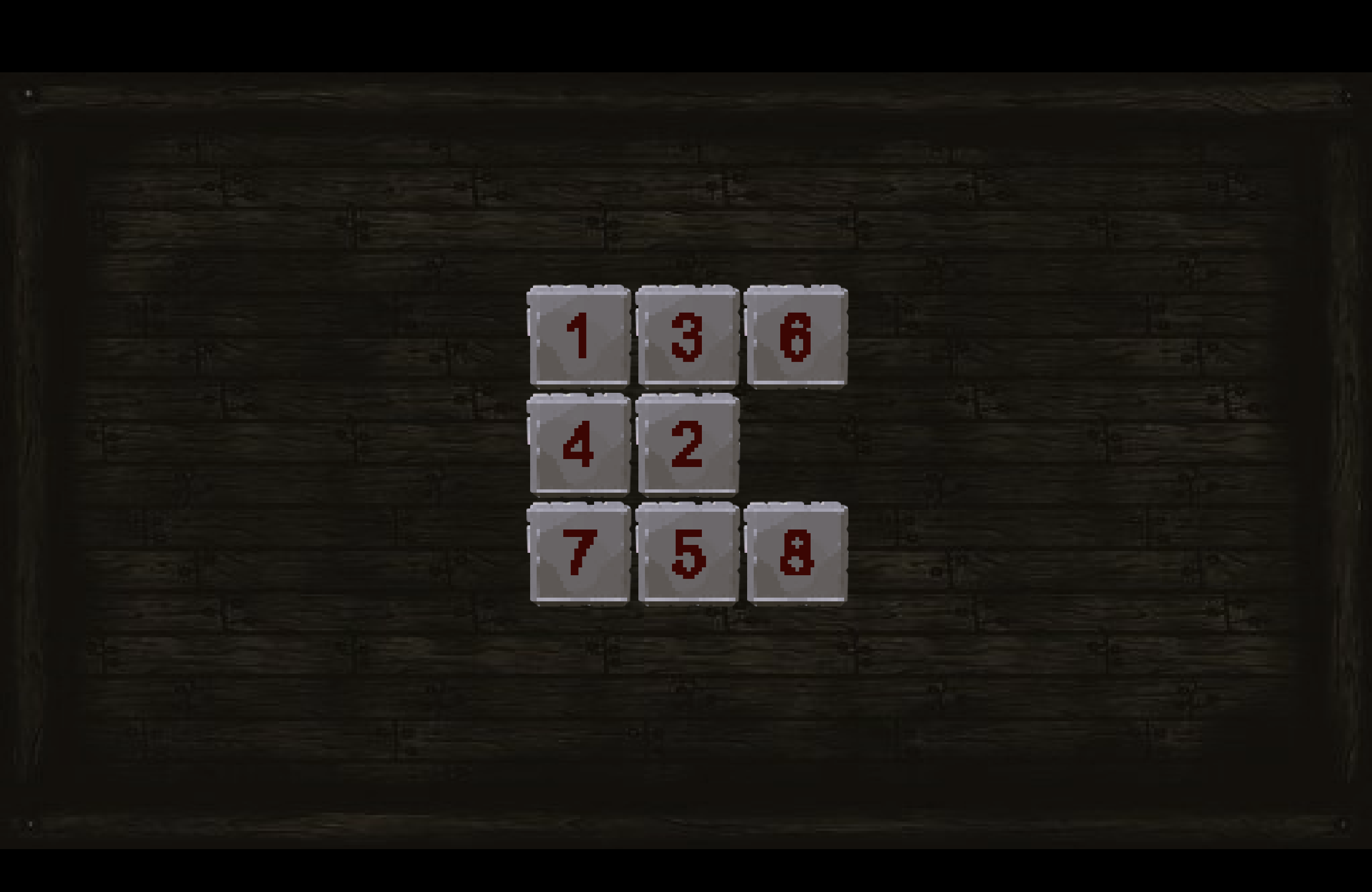
- Solve puzzles to unlock doors and progress through the castle
- Hide from demons in coffins and avoid being caught
- Collect items and manage your inventory (3 slots available)
- Navigate mazes and interact with lever mechanisms
- Uncover secrets through dialogue with Arthur and other encounters
⚡ Features
- 🏰 Detailed 2D pixel art environments
- 🧩 Multiple puzzle types and riddles
- 💀 Stealth mechanics - hide from supernatural threats
- 🎒 Inventory system with item collection
- 💾 Save system with checkpoints
- 🎭 Character dialogue and story progression
- 🗝️ Key-based progression mechanics
- 🎵 Atmospheric sound design
⚠️ Language Note
Please note: The game is currently only available in German language.
🎯 Controls
- WASD/Arrow Keys - Movement
- E - Interact/Hide
- Shift - Sprint
- ESC - Pause
Can you escape the shadows, or will you become another victim of the castle's dark curse?
Developer
- Anton Filimonov
- Natan Kondler
- Till-Leonard Aaron Wolf
- Yannick Kissel
Download
Install instructions
💿 Installation Instructions
🪟 Windows
When you first run the game, Windows may show a security warning about an "unknown publisher". This is normal for indie games that aren't digitally signed.
- Click "More info" on the security warning dialog
- Click "Run anyway" to launch the game
- Alternative: Right-click the game executable → Properties → Check "Unblock" → Apply → OK
Note: The game is completely safe - this warning appears because it's not from a major publisher.
🍎 macOS
macOS may prevent the game from running if it's from an "unidentified developer". Follow these steps:
- Try to run the game - you'll see a security warning
- Open System Settings
- Click Privacy & Security in the sidebar
- Scroll down and click "Open Anyway" button
- Confirm by clicking Open in the prompt that appears
The game will then be saved as an exception and can be opened normally in the future.
🐧 Linux
Make the game file executable and run it from the terminal:
- Open a terminal in the game directory
- Run:
chmod +x ./gamename(replace with actual filename) - Run the game with:
./gamename
If you get "cannot execute binary file", make sure you're using the correct version for your system architecture (x64 for most systems).
📝 General Notes
- Extract the game from the ZIP file before running
- Keep the game folder intact - don't separate files
- Antivirus software may flag the game - add it to exclusions if needed
- For the best experience, close other applications while playing
Leave a comment
Log in with itch.io to leave a comment.