
Infernum
A downloadable game for Windows, macOS, and Linux
🚀Infernum RPG - First Official Version Available! 🚀
Step into Infernum, a captivating pixel-art Action RPG with tons of new features based on player feedback!
⚔️ Enhanced Combat & Exploration
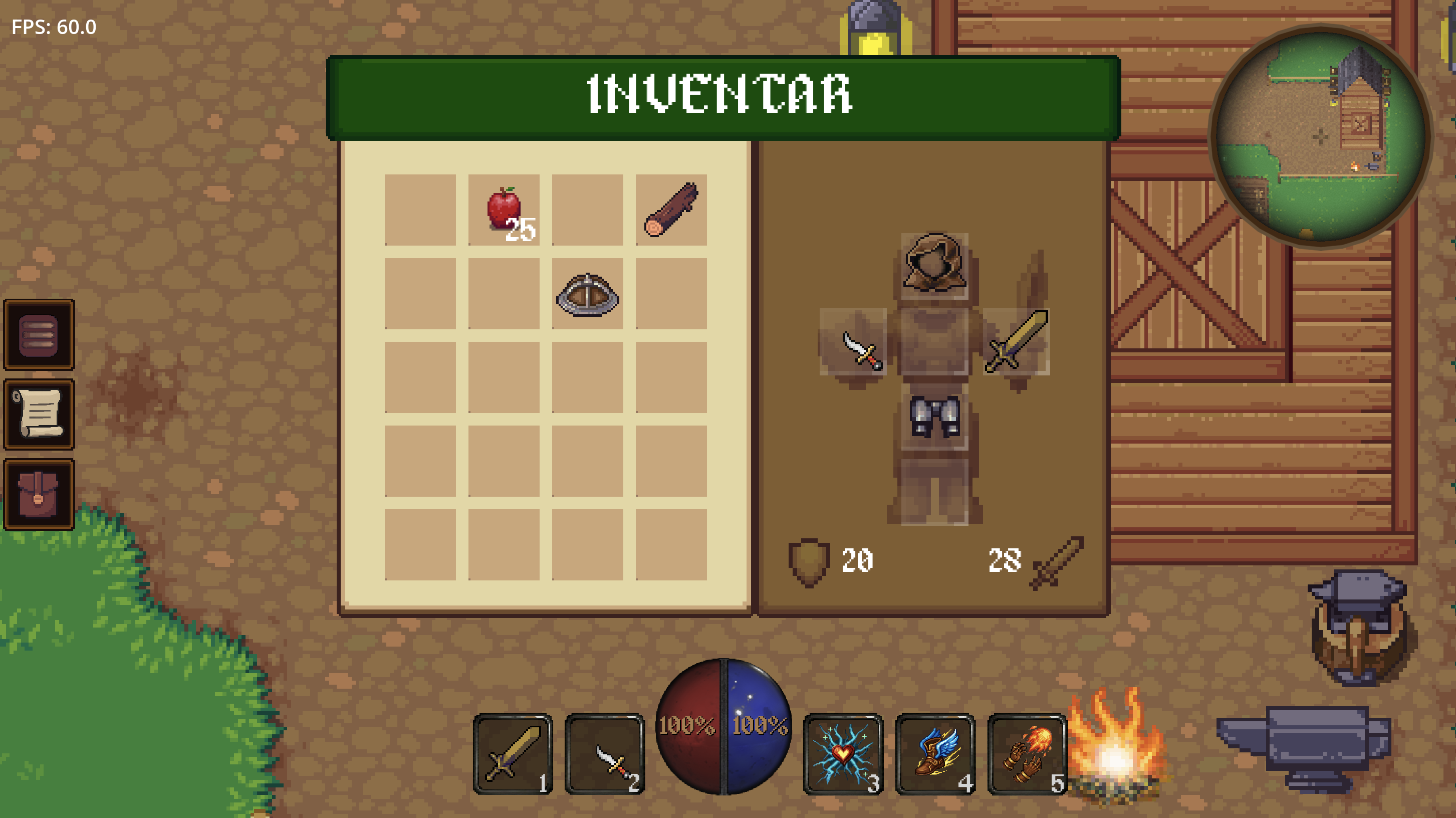
- Multiple weapon types with unique attack patterns
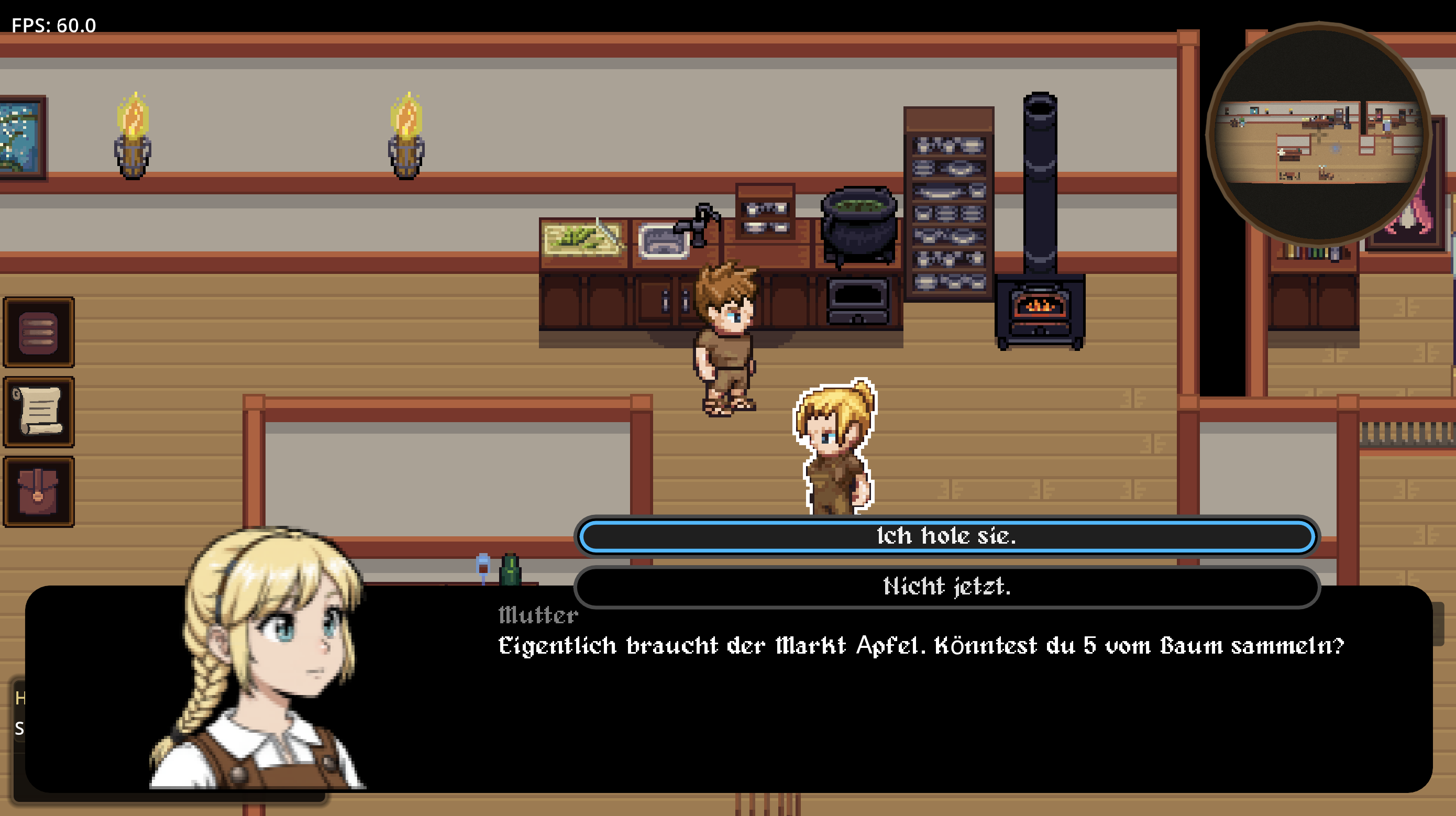
- Rich NPC interactions with branching dialogue
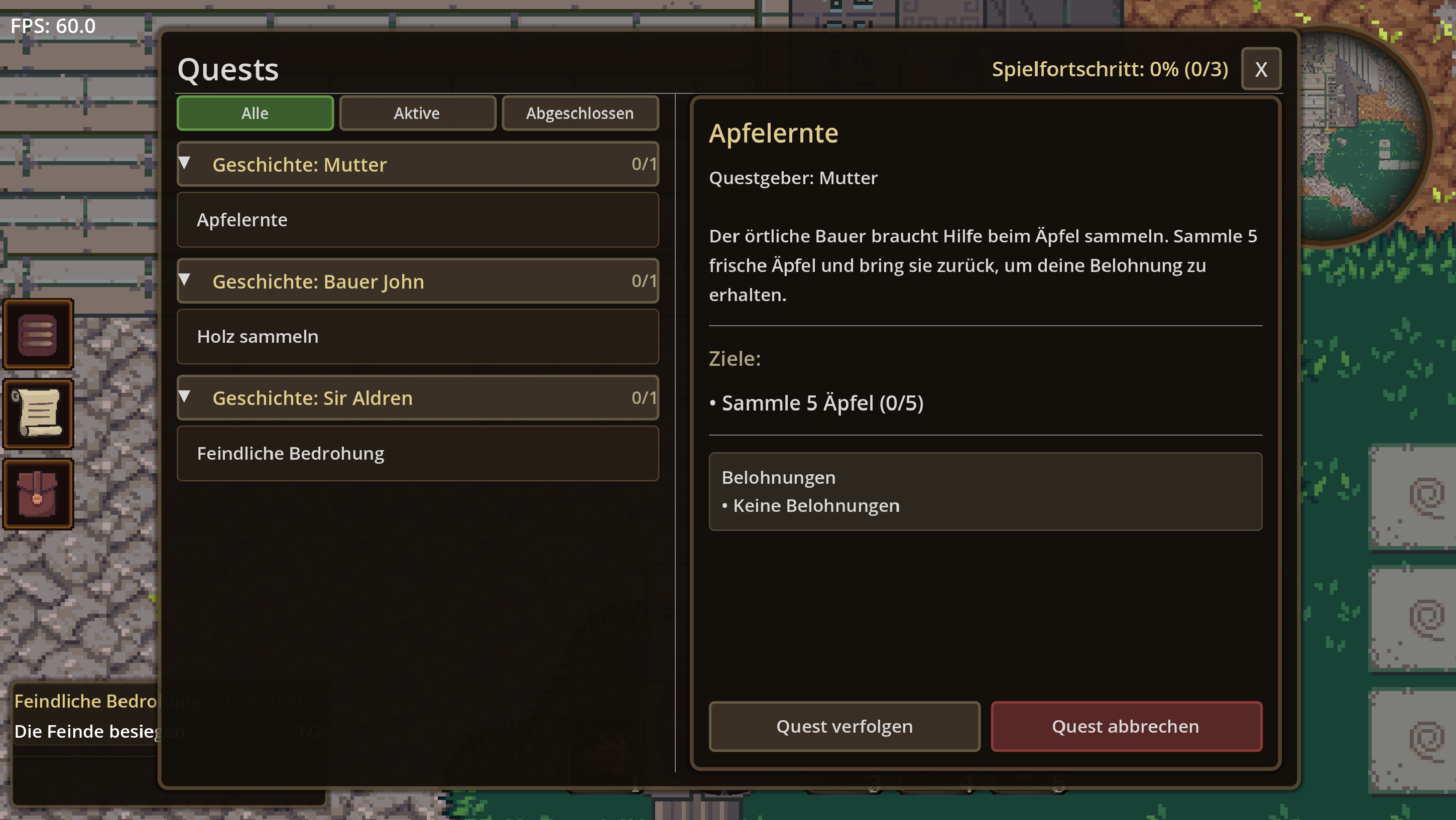
- Comprehensive quest system with main & side quests
- Skill discovery system with various abilities
🗺️ Advanced Navigation & UI
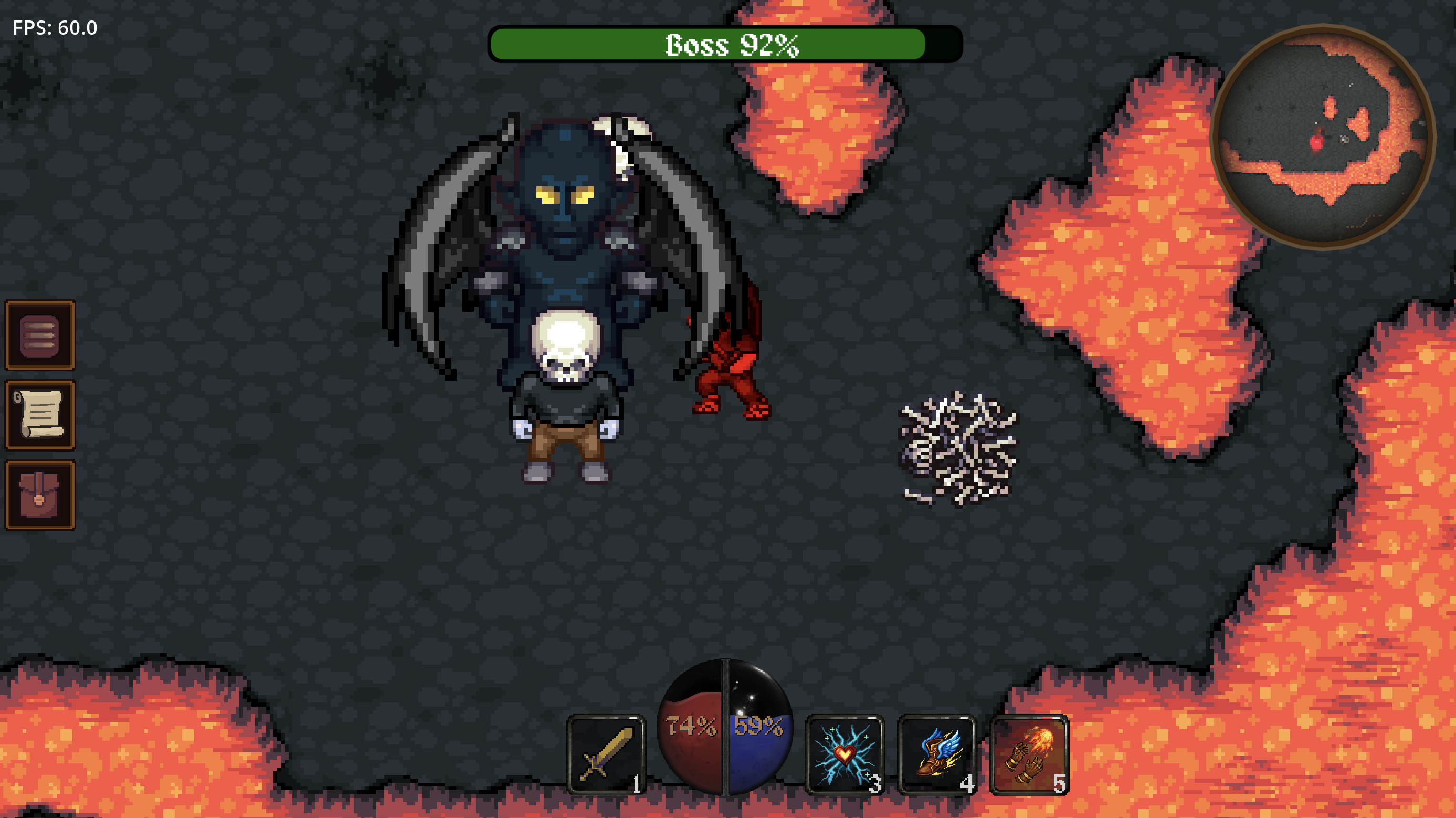
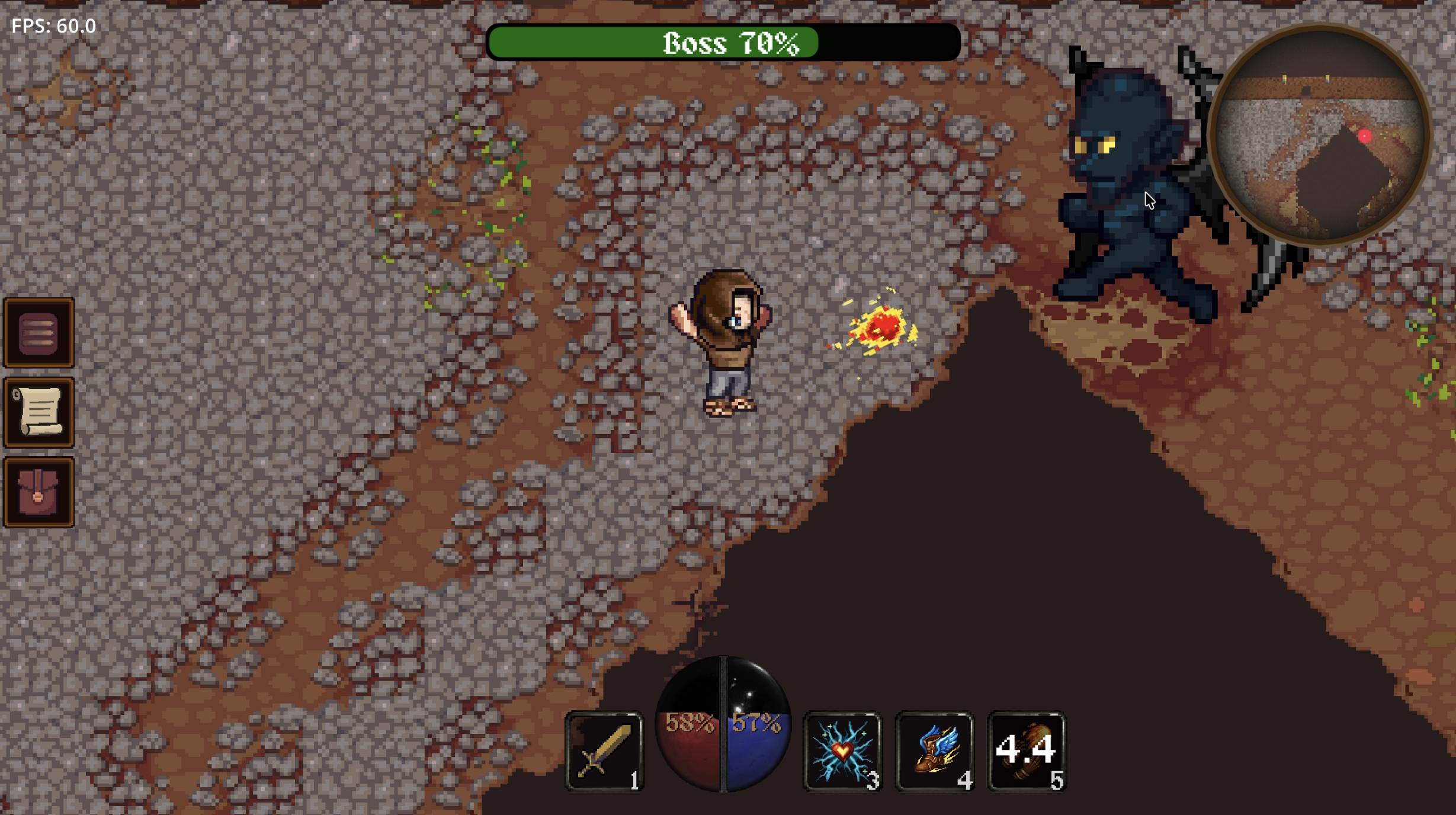
- Dynamic Minimap: Real-time enemy/NPC/item tracking
- Smart Indicators: Bosses (purple-red), Enemies (red), NPCs (blue), Items (green)
- Fluid HP/Mana Globes: Realistic liquid physics with smooth animations
- Enhanced Boss Health Bar: Smooth damage animations with color transitions
🎮 New Gameplay Features
- Advanced enemy AI with unique behaviors
- Epic boss battles with dedicated health tracking
- Enhanced item system and inventory management
- Immersive audio effects and dynamic boss music
- Improved visual effects and performance
🔧 Development Update
First Official Version Incoming! We're approaching the first official release of Infernum! With my university studies ending soon, the focus will shift primarily to bug fixes and stability improvements for the immediate future. This current version represents the core feature set - now we need your feedback to polish it to perfection!
🎮 Your Feedback Matters!
This Early Access version is designed to gather your thoughts and ideas. What features would you love to see? What works well? What needs improvement? Help us shape the future of Infernum!
Credits:
We have made every effort to properly credit all assets used in Infernum. However, if you notice any missing or incorrect attributions, please contact us immediately so we can correct the oversight. We respect and value the work of all creators and want to ensure everyone receives proper credit.
If you are an asset creator and believe your work has been used without proper attribution, please reach out to us at so we can resolve this promptly.
You can join our Discord channel here:
Development Team
- Hassan Ghalyoun
- Alex Kirndörfer
- Aymen Daoud
- Natan Kondler
- René Speier
Download
Install instructions
💻 For Windows Users
- Download the
.exefile. - Go to your file explorer and look for the file in the downloads-folder
- Double-click
Infernum.exeto start.
⚠️ Note: If Windows shows a blue window saying "Windows protected your PC":
- Click on "More info" (underlined text).
- Then click the "Run anyway" button.
🍎 For Mac Users
- Download the
.dmgfile. - Search for the
.dmgfile in the finder under downloads
⚠️ Note: If you cannot open the app because it says "unidentified developer":(Do not just double-click, or Mac might block it.)
- Right-click (or Control-click) on the App icon.
- Select Open from the menu.
- Click Open again in the pop-up window.
🐧 For Linux Users
- Download the
Infernum.x86_64executable file. - Open your terminal and navigate to your downloads folder.
- Make the file executable:
chmod +x Infernum.x86_64 - Run the game:
./Infernum.x86_64
⚠️ Note: If you encounter issues:
- Permission denied: Run
chmod +x Infernum.x86_64first- File not found: Make sure you're in the correct directory
- Missing libraries: Install your distribution's basic runtime libraries
Leave a comment
Log in with itch.io to leave a comment.